
Invite Rebate
You can invite new users to use the cloud phone service and receive rebate rewards according to the campaign rules.
Rebate Rules
- The inviter must complete valid registration and bind the account on the platform.
- The invited user must complete the required registration and purchase a cloud phone.
- Rebate amounts are calculated according to the campaign rules, based on the actual paid amount of the order and the rebate percentage.
- Rebates are automatically credited to the account's withdrawable commission, subject to platform rules.
Procedure
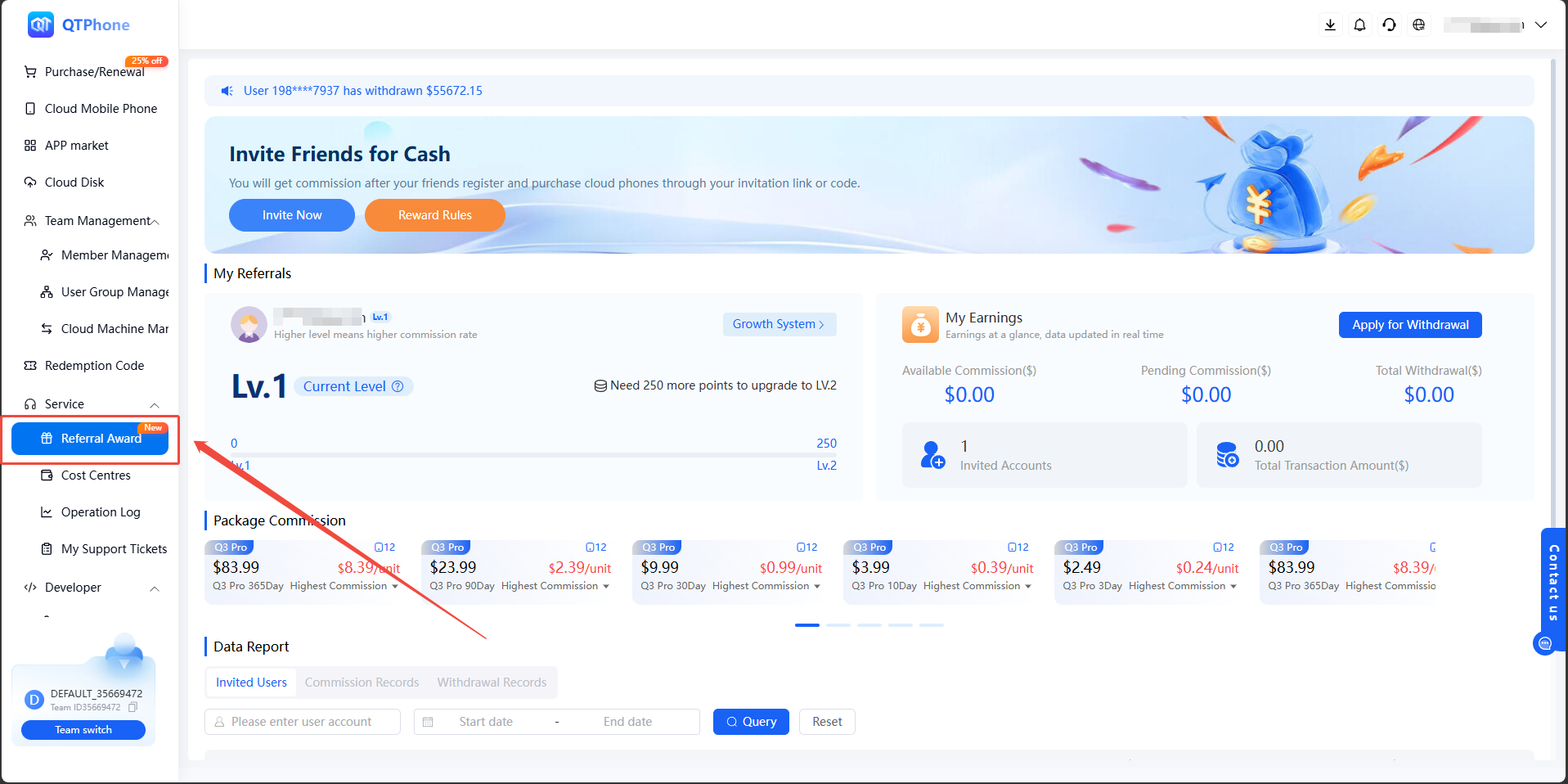
Click "Referral Reward" in the menu bar to enter the Invite Rebate page.
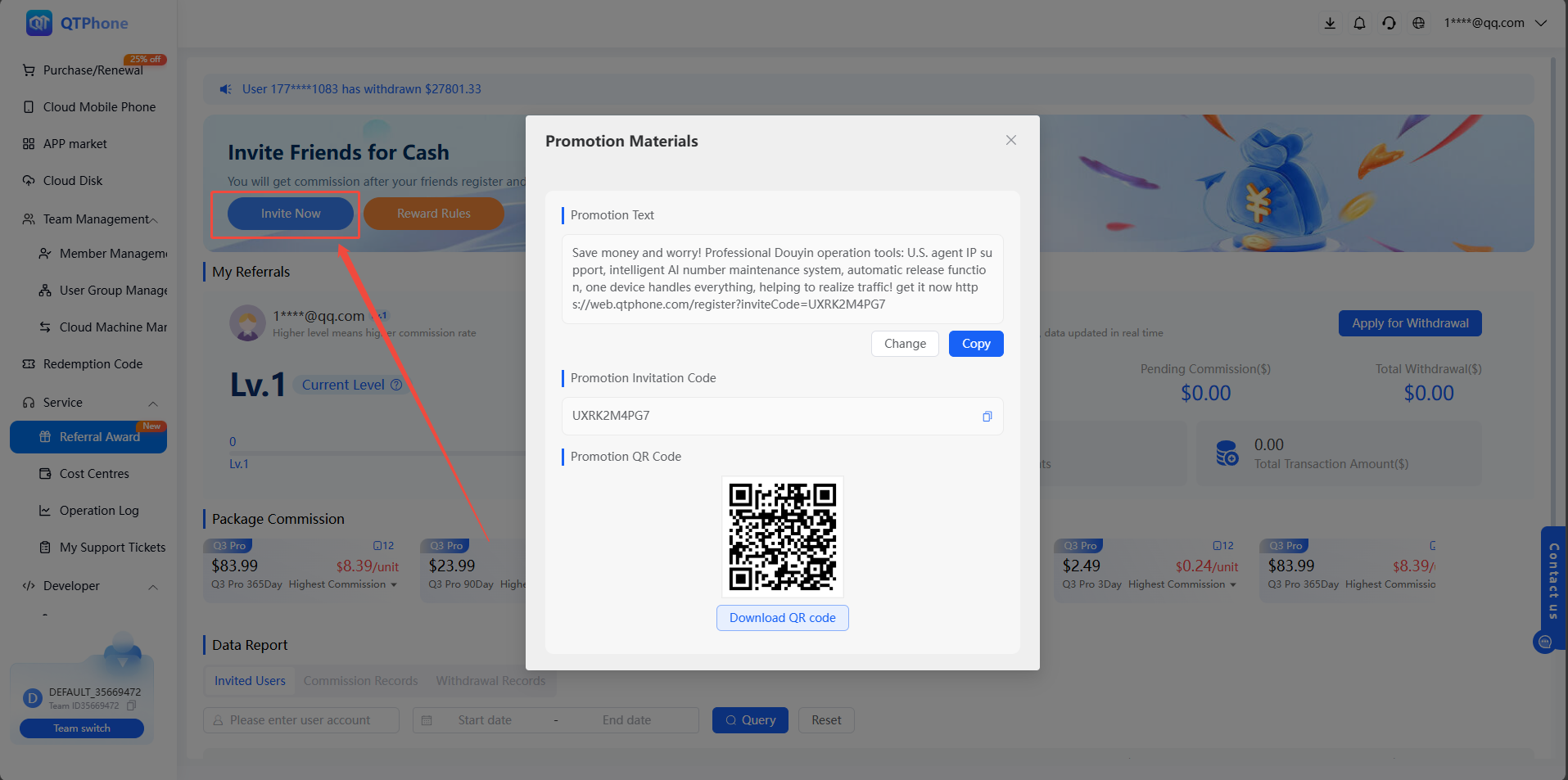
Click "Invite Now" in the upper right corner to copy your unique invitation link or code. You can share it through channels, social media, or directly with friends.
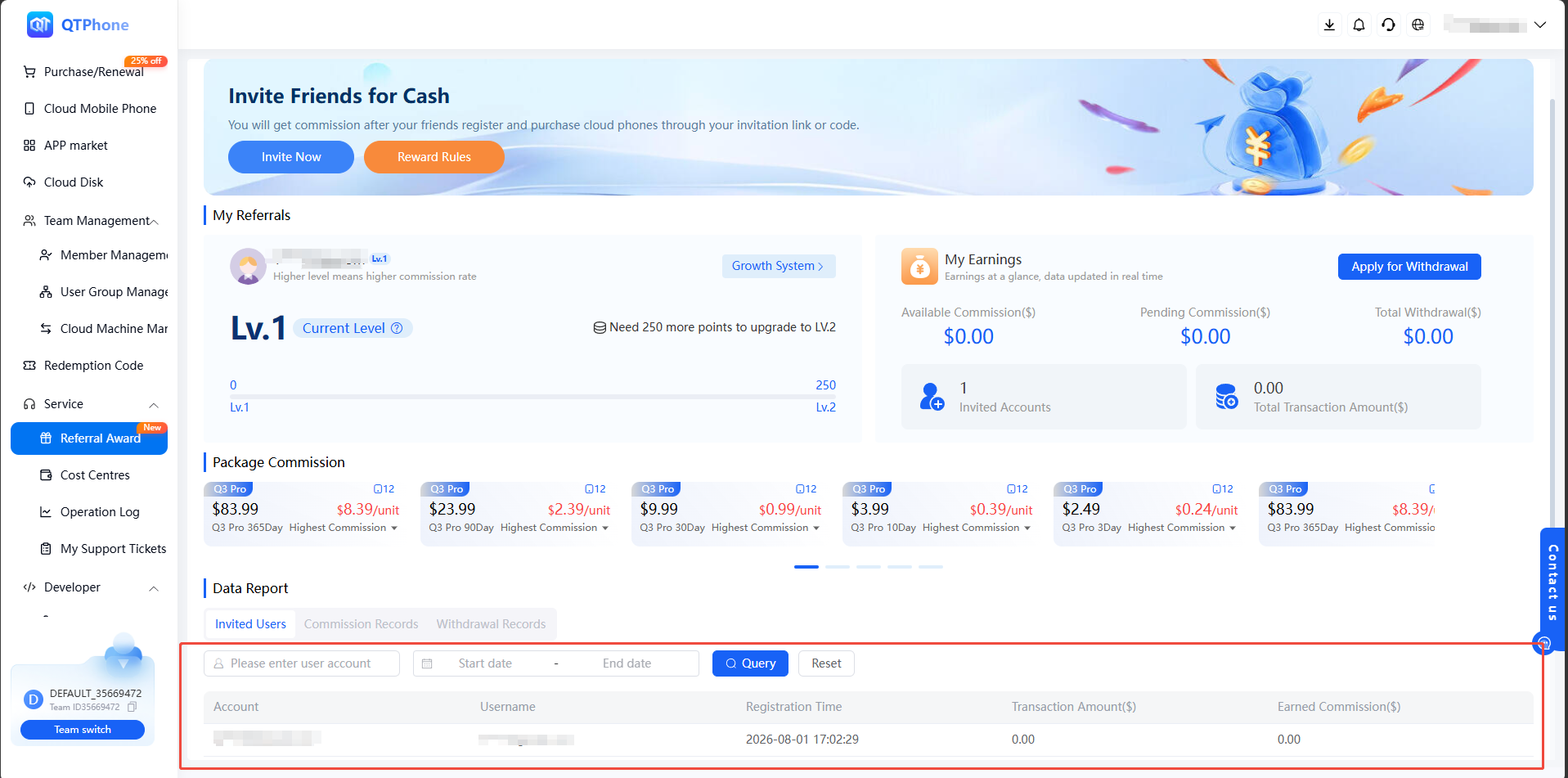
After inviting users, you can view the order purchase status of the invited users in the area shown below.
Once the invited user completes registration and purchases a cloud phone plan, you will receive a commission, which can be viewed in the area shown below.
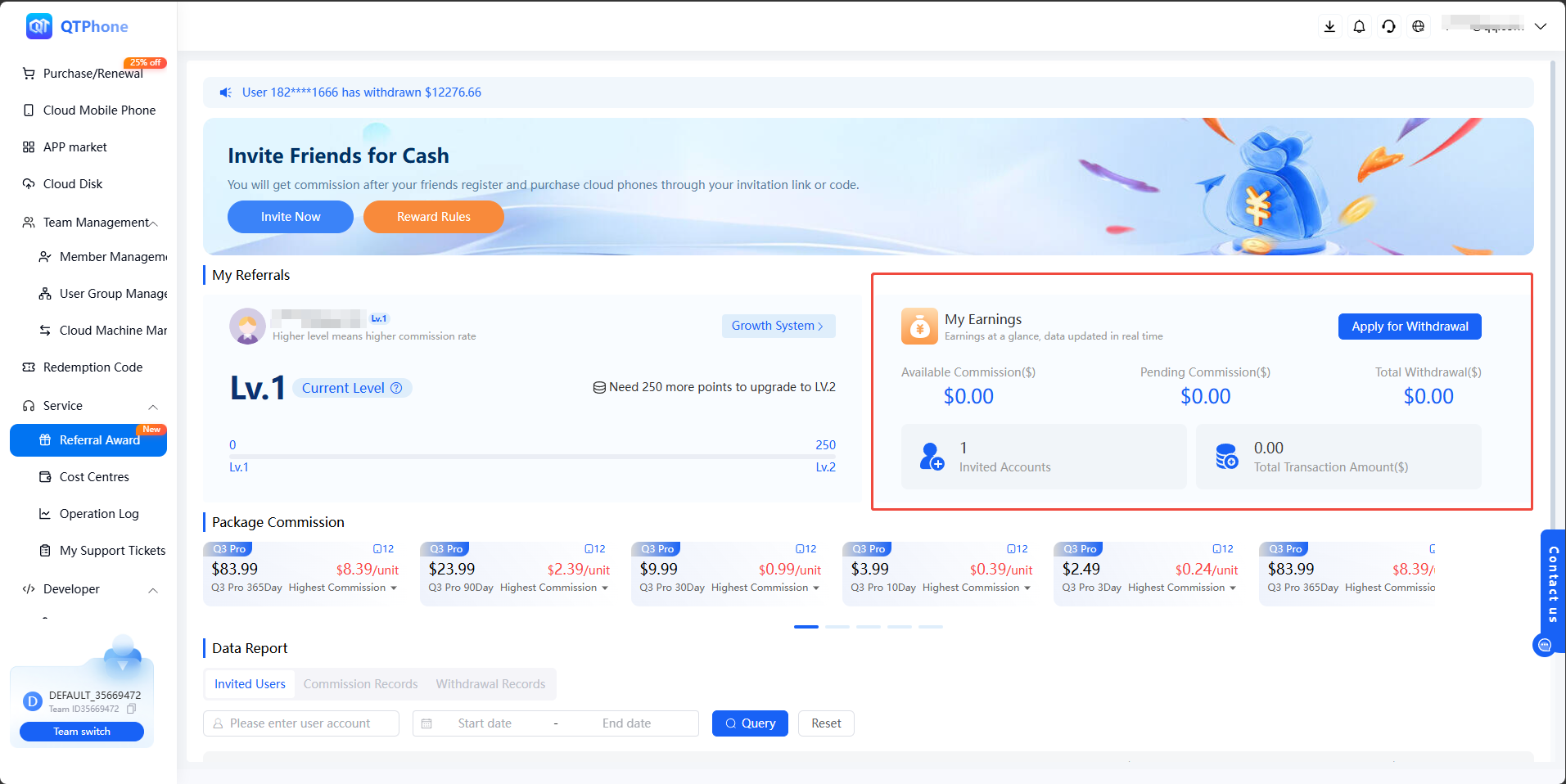
According to the platform rules, you can apply for withdrawal after the commission freezing period ends.
Check Rebate Status
- Go to the Invite Rebate page to view invitation records.
- Check completed, pending review, and already credited rebates.
- For details, review the order number, inviter information, and rebate ratio.
To ensure rebates are processed successfully, it is recommended to confirm the invitation channel, user registration information, and order status during the activity period, and avoid inviting the same user repeatedly.